


Description
Pro Package and Face Impact Location Software Add-ons for Your Mevo+ or Mevo Gen2
Elevate your Mevo+ or Mevo Gen2 experience with the Pro Package and Face Impact Location add-ons. Investing in the Pro Package and Face Impact location add-ons transforms the Mevo+ and Mevo Gen2 into a powerful training tool that provides a competitive edge. If you are looking to improve your game, enhance your lessons, or add to the club fitting experience, these add-ons are for you!
Understand your swing
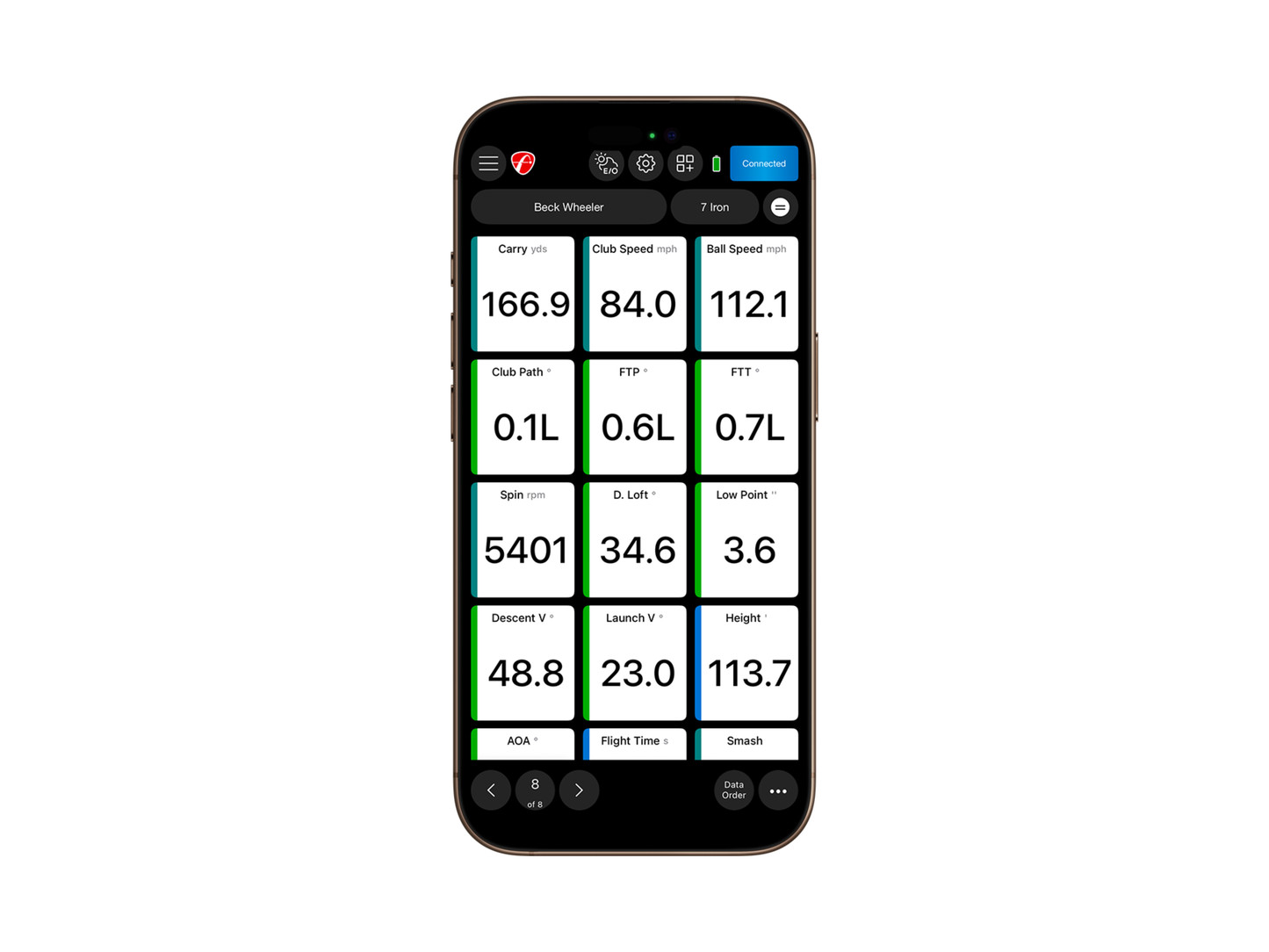
Data parameters like club path, face angle, and face impact location help you identify swing tendencies and areas that need improvement like never before. Hitting a big slice? Check your data and make adjustments.
Improve consistency
Face Impact Location gives you the data and visualizations you need to work on consistently making contact with the center of the face. All of your shots are saved so you can track your progress over time.
Added Data Parameters
Pro Package and Face Impact Location add-ons include 13 additional data parameters to help you understand your swing and ball flight like never before.
Available Data Parameters
Additional Benefits
Exclusive features and benefits included for Pro Package and Face Impact Location users
 Face Impact Location
View the precise location of impact for every club and compare it to the data for that shot. Face Impact Location also adds two additional data parameters: lateral impact and vertical impact.
Select Face Impact Location as a data parameter on the Trajectory screen in the FS Golf App, or select it as the only screen you see. You can also utilize the entire D-Plane dataset with Face Impact Location to analyze every aspect of your swing and discover areas of improvement.
Heat Mapping Visualization
(Tablets only)
Heat mapping visualization provides a visual distribution of impact location for a specific club over the entire session. The heat map is designed to give users a face impact overview for an entire session.
Review your entire session and see exactly where on the club face you strike most. Heat Mapping Visualization works for every club in a given session. The Heat Mapping is only available on the tablet version of the FS Golf app and is not available on the phone version of the FS Golf app.
Trajectory Optimizer
(Only available for iOS at this time)
Trajectory Optimizer allows you to optimize every club in your bag based on personalized shot data and environmental factors like weather.
Shot and Surface Types
Choose from different shot trajectory types such as high, mid, or low. You can also choose different surface types like soft, medium, and hard to optimize for your specific game.
User Interface
The user interface boasts an intuitive design, and this tool proves valuable for teachers, club fitters, and golfers of all skill levels, allowing them to focus on key parameters for achieving desired trajectories with each club.
Environmental Optimizer
Change your environment without changing your location.
Plan and prepare for all weather conditions and landscapes by modifying your environment to understand how climate variables affect your shot.
FlightScope Environmental Optimizer allows you to configure the impact of:
- Actual Altitude
- Air Temperature
- Relative Landing Height
- Humidity
- Wind Speed/Direction
- Density Altitude
FS Golf PC 2.0 Software Included
Practice with purpose with our new FS Golf PC 2.0 Software, now included with your Pro Package purchase ($99 value).
*Software purchases are non-refundable
Shipping
Shipping is available within Canada only. Shipping costs and delivery options are calculated at checkout based on your location.
Need help choosing the right setup?
Before ordering, send us your room size and budget. We’ll help confirm the right simulator setup for your space.
Get Free Setup Help